Hub Two

Social Engineering

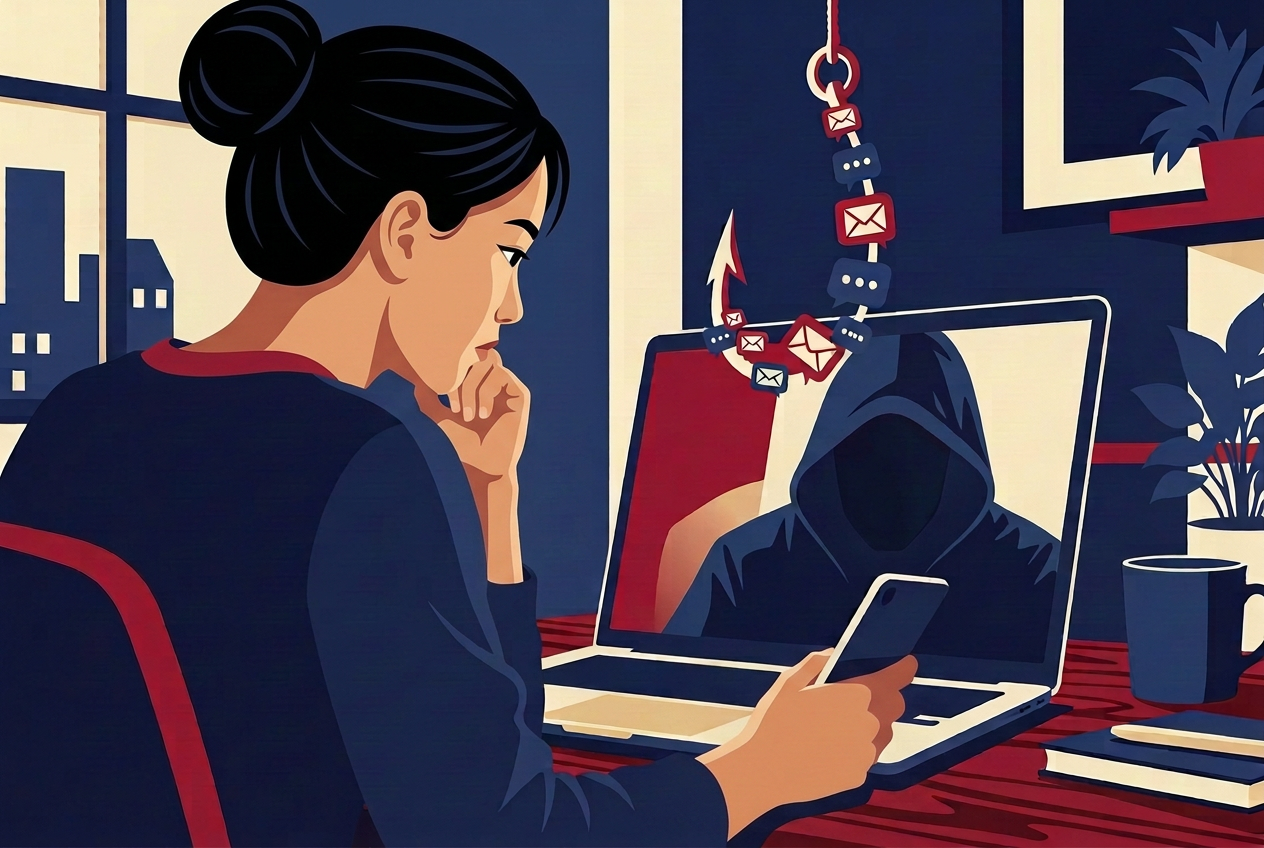
Also known as human hacking, social engineering is the manipulation of someone to give up confidential information that can be used for fraudulent purposes. It targets people, not computers, which is why smart people fall for it.

Subject 01

Social Engineering Explained

The use of deception to get you to give up personal information

  • The social engineer gathers information about their victims.
  • The social engineer poses as a legitimate person and builds trust.
  • They use that trust to get you to act: click, share a code, send money or give access.
  • Then they disappear, or they use what they took to target the next person.

The social engineering cycle

  1. 1. Investigate

    They study your profiles, friends, school, job and family.

  2. 2. Hook

    They pose as someone legitimate: a friend, relative, company or official.

  3. 3. Play

    They build trust and create urgency so you do not stop to think.

  4. 4. Exit

    They take what they came for and cover their tracks.
Subject 03

Facebook Messenger Video Call Scam

“Sorry, my microphone isn’t working”

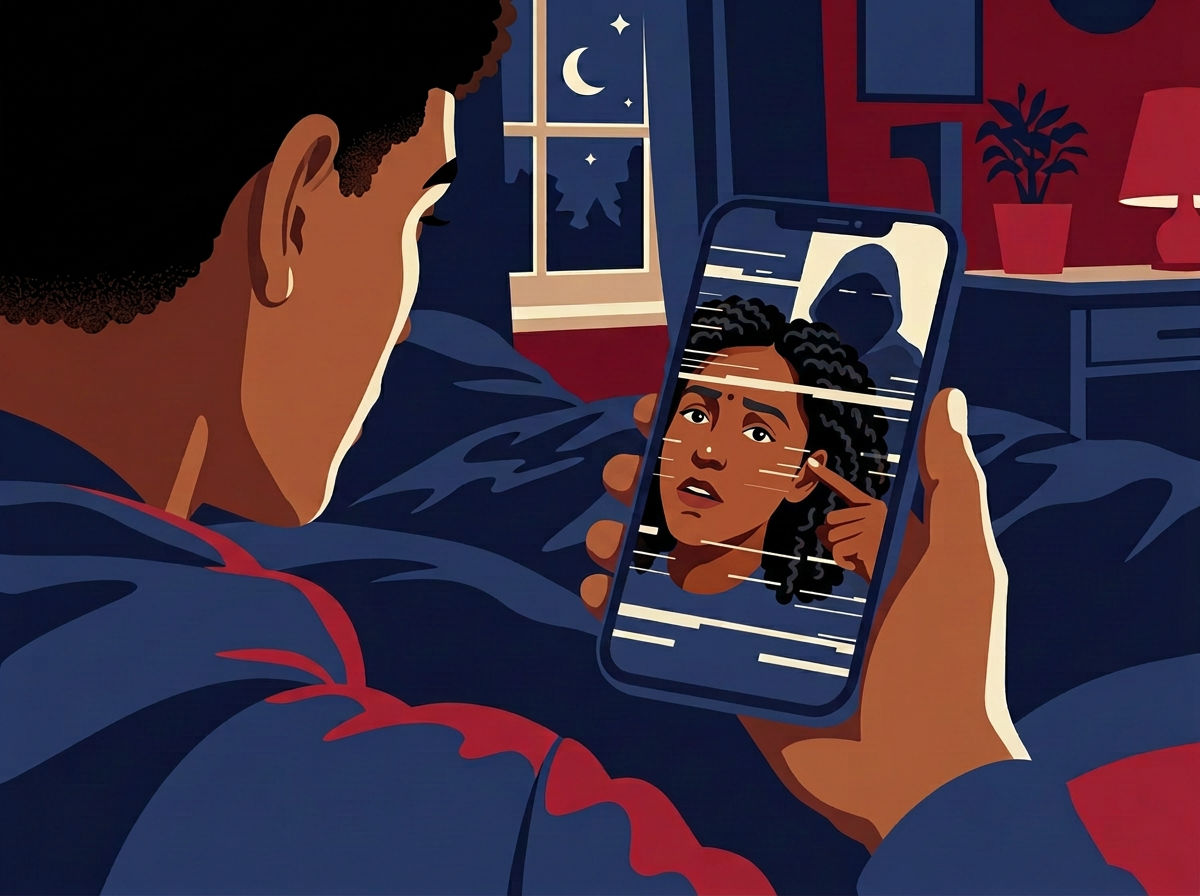
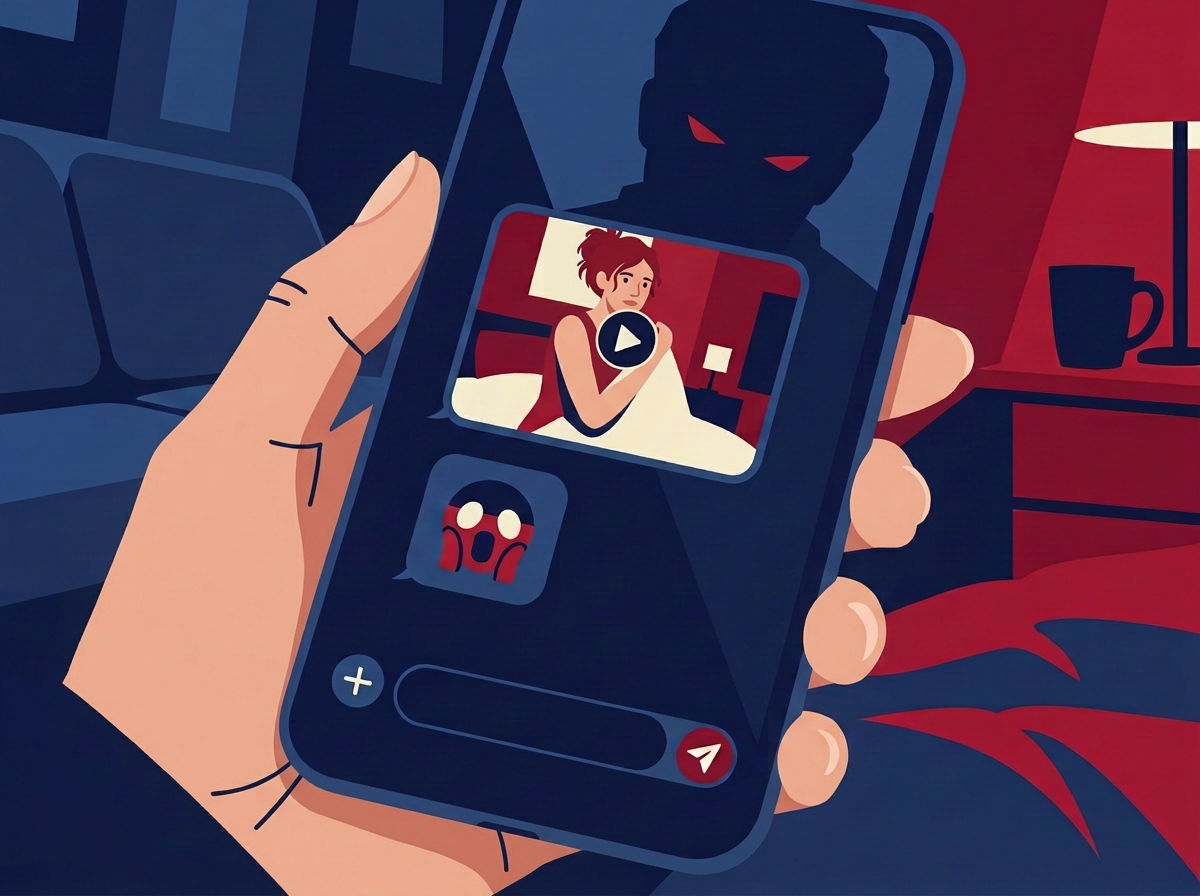
  • You get a Messenger video call from a friend or family member. When you answer, you can’t hear anything, but you can see them mouthing that they can’t hear you either. Then the call ends.
  • Right after, they message you to say sorry, their Bluetooth or microphone isn’t working.
  • Then they ask for money and swear they will pay it back. You just saw their face, so you believe them and send it.
  • The only issue: their account was hacked. It was never them on the call, and the money is gone.

What it looks like

Friend · Right after the call

Sorry!! My mic isn’t working. I could see you but couldn’t hear anything 😩

I hate to ask but I’m in a bind. Can you send me $300? I swear I’ll pay you back Friday.

Is everything ok?

Yes just need it today. Can you Cash App me? Or Venmo me? Or PayPal me? My bank app isn’t working either.

Cash App: $QuickHelpRyan Venmo: @Derek-Miller-88 PayPal: chris.bennett77@mail.com

Example for teaching. The face you saw on the call was a recording.

Look at those payment names

Three ways to pay, three different names, and not one of them is your friend’s. A real friend asks for money from one account that matches their name. When every link has a different name on it, the money is going to a stranger.

What happened?

Before calling you, the hacker screen recorded your friend or family member and saved the video. When they called you, they used a program that played that prerecorded video instead of a real camera. That is why you could see them but never hear them.

Now they have a video of you too

While you were on the call, they screen recorded you. Next they will try to hack your account and scam your friends list out of money using the same trick, with your face.

Clues it’s a scam

  • The person asking for money is not someone who normally asks you for money, or who normally talks to you on that app.
  • There is an excuse that the microphone suspiciously doesn’t work.
  • The way they want you to send money is not normal for them: the wrong email address, the wrong username, or a payment account you have never seen.
  • Every payment link has a different name on it — Cash App, Venmo and PayPal under three names that don’t match your friend or each other.
  • They ask for payment in Amazon gift cards or other gift cards.

What to do

  • Do not send money. Leave Messenger and call or text the person on the number you already have.
  • If it was not them, tell them their account is hacked and block the fake account.
  • If you answered a call like this, change your password and turn on two-step verification in case your video is used next.
  • Warn your friends and family so they do not fall for it.
Subject 04

Infected Computer Scam

The fake virus pop-up and the “tech support” call

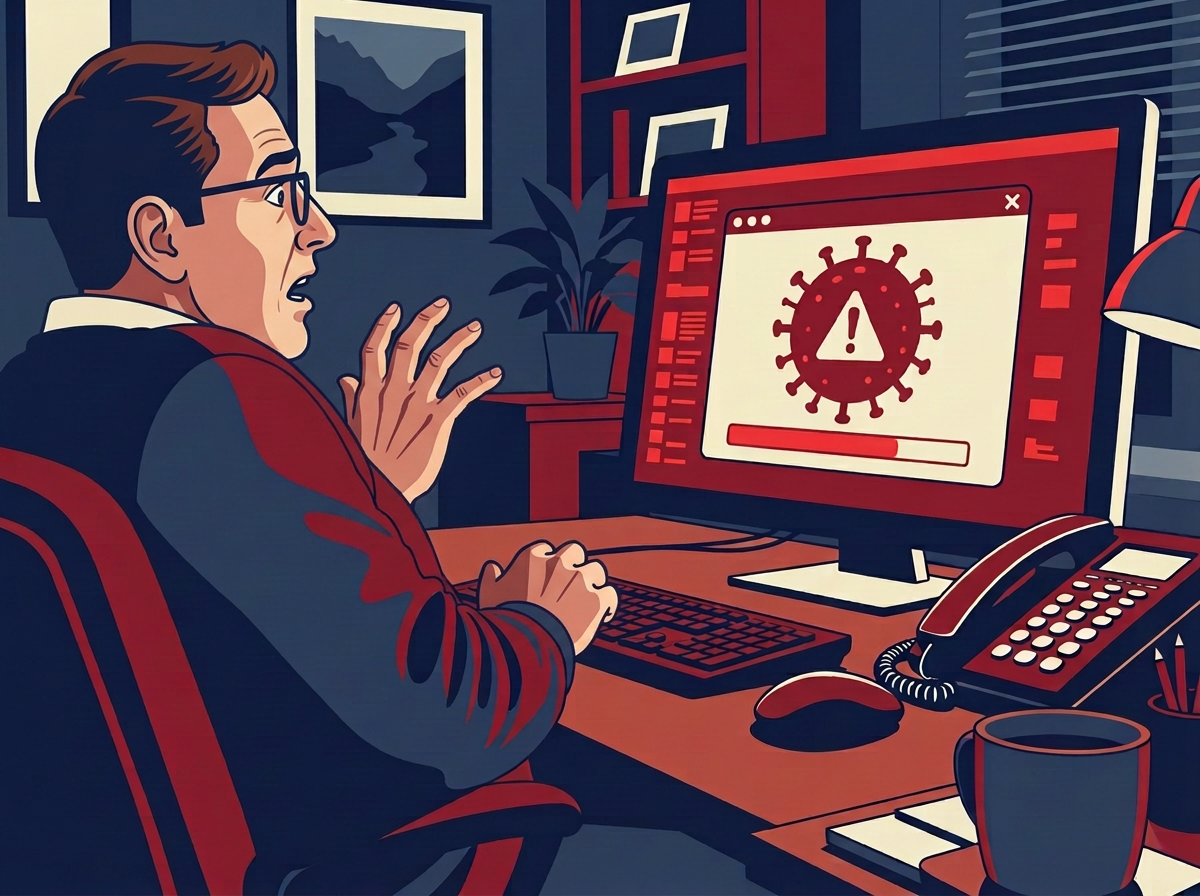
  • A loud, flashing warning says your computer is infected and tells you to call a number immediately.
  • The “technician” asks for remote access to your computer, then “finds” problems and charges for fake repairs.
  • Once they have access, they can install spyware and go after banking and email accounts.
  • Real companies do not put phone numbers in pop-ups. Close the browser, restart the device and never give remote access to a caller.
Subject 05

Cousin Needs Your Facebook Code

“Can you receive a code for me?”

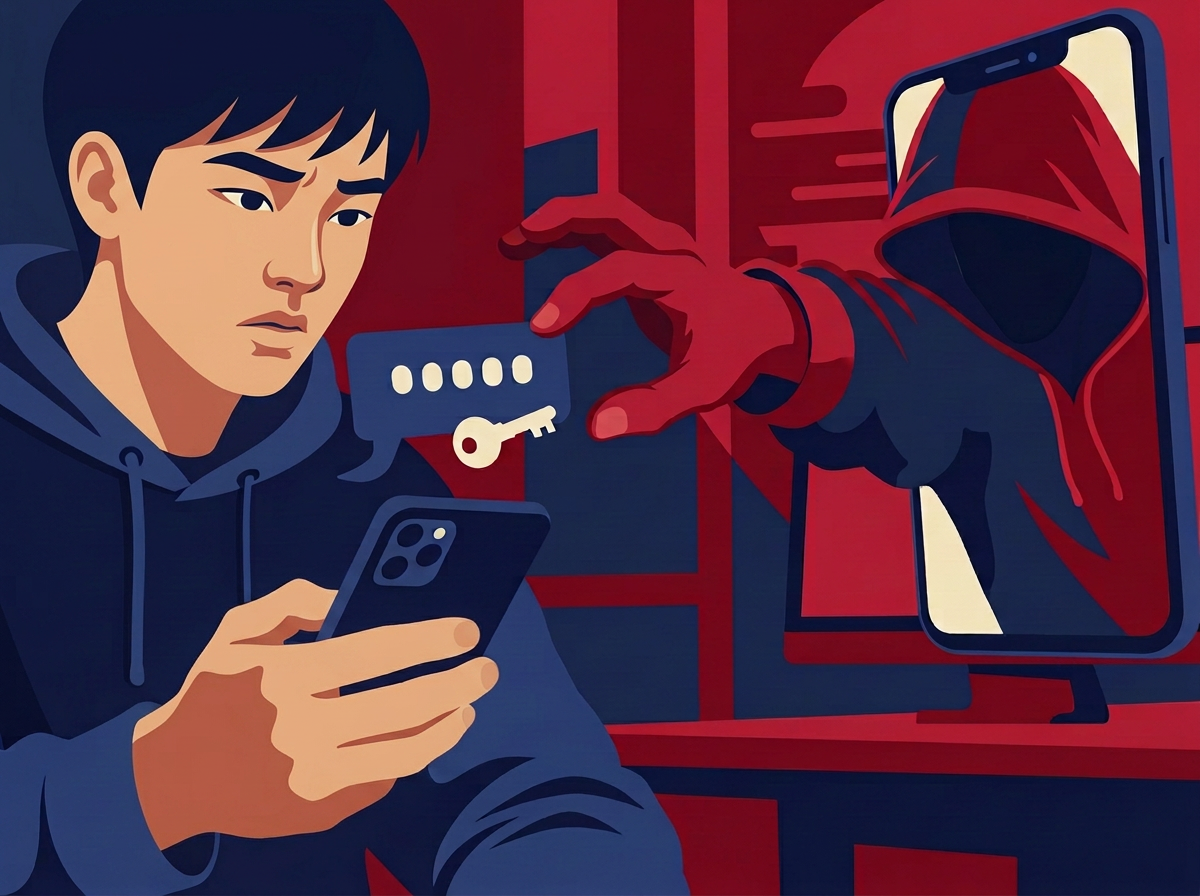
  • A friend or relative’s account says they are locked out on a new phone and need you to receive a code for them.
  • The code is really for your own account or a financial account. Sharing it hands the scammer the keys.
  • A one-time code is like a house key. Nobody legitimate will ever ask you to read it back.

What it looks like

Cousin · 2:02 AM

Send me your number please

Cousin · 7:09 AM

I was trying to login in to my Facebook page on my new phone and they ask me to find someone to help receive a code for me will you?

Real example: these messages came from a cousin’s hacked account.

What to do

  • Never share a verification code with anyone, including friends and family.
  • Call the person on a number you already have to confirm it is really them.
  • If you already shared a code, change that account’s password immediately and turn on two-step verification.
Subject 06

Fake Coinbase Code Text

“If you didn’t request it, call this number”

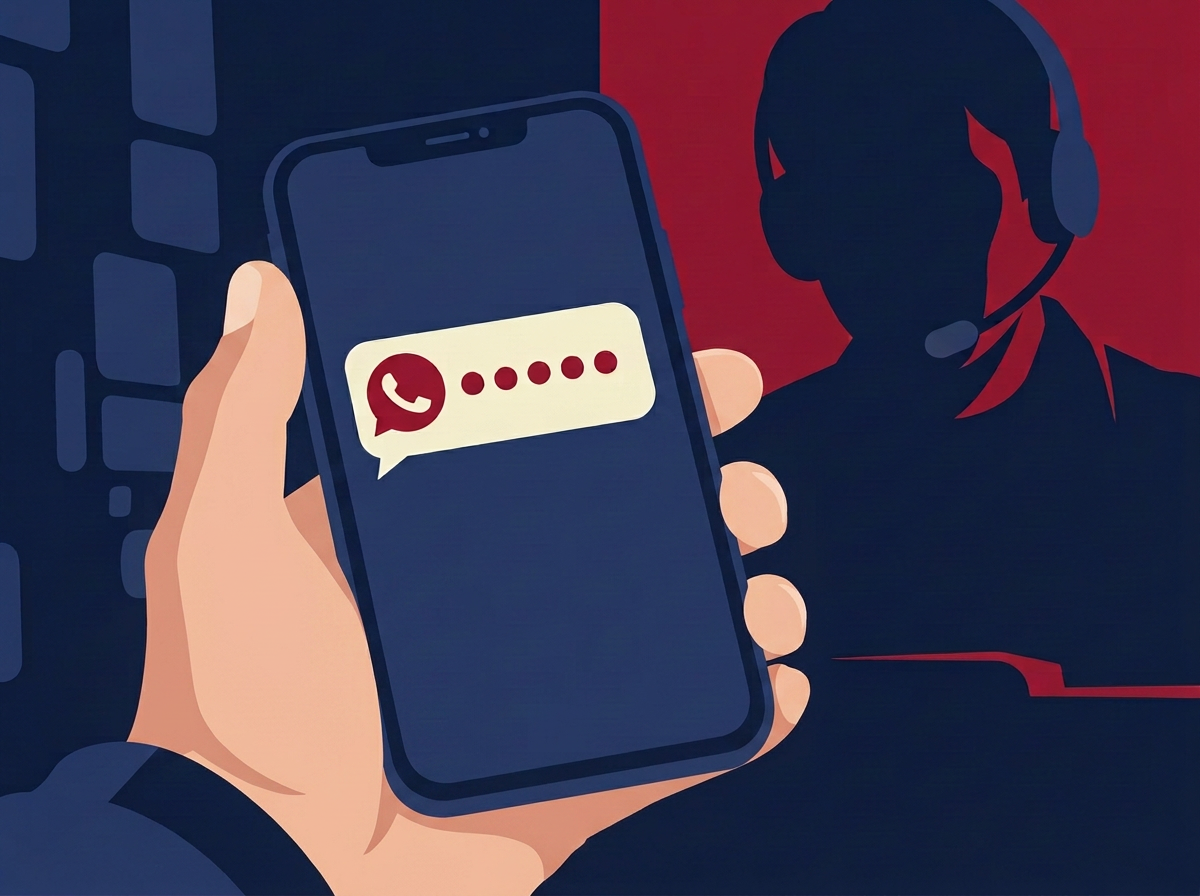
  • A text shows up with a one-time code for an account like Coinbase, a cryptocurrency app, even if you never asked for a code or don’t have an account.
  • The text includes a phone number to call “if you didn’t request it.” That number goes to the scammer, not the company.
  • The panic is the trap. You call to stop it, and a fake support agent asks for your code or password, asks to remote into your device, or tells you to move your money to a “safe” account they control.
  • Real verification texts give you the code and tell you not to share it. They do not ask you to call a number.

What it looks like

+1 (929) 689-3544 · 12:33 PM

Your one-time Coinbase code is 348920. Don't share this. If you didn't request it, call +1 (217) 583-9153

Real example. This is its own scam: the phone number inside the text belongs to the scammer.

Red flags in this text

  • It came from a regular 10-digit phone number, not the short code a company normally uses.
  • It includes a callback number. Real companies send you to their app or official website, not a number in a text.
  • It arrived when you did not request a code, which is meant to scare you into acting fast.

What to do

  • Do not call the number, do not reply and never share the code.
  • If you have that account, open the app or type the website yourself, change your password and turn on two-step verification with an authenticator app.
  • If you don’t have that account, delete the text. You can report it by forwarding it to 7726 (SPAM).
Subject 07

Amazon Large Purchase Scam

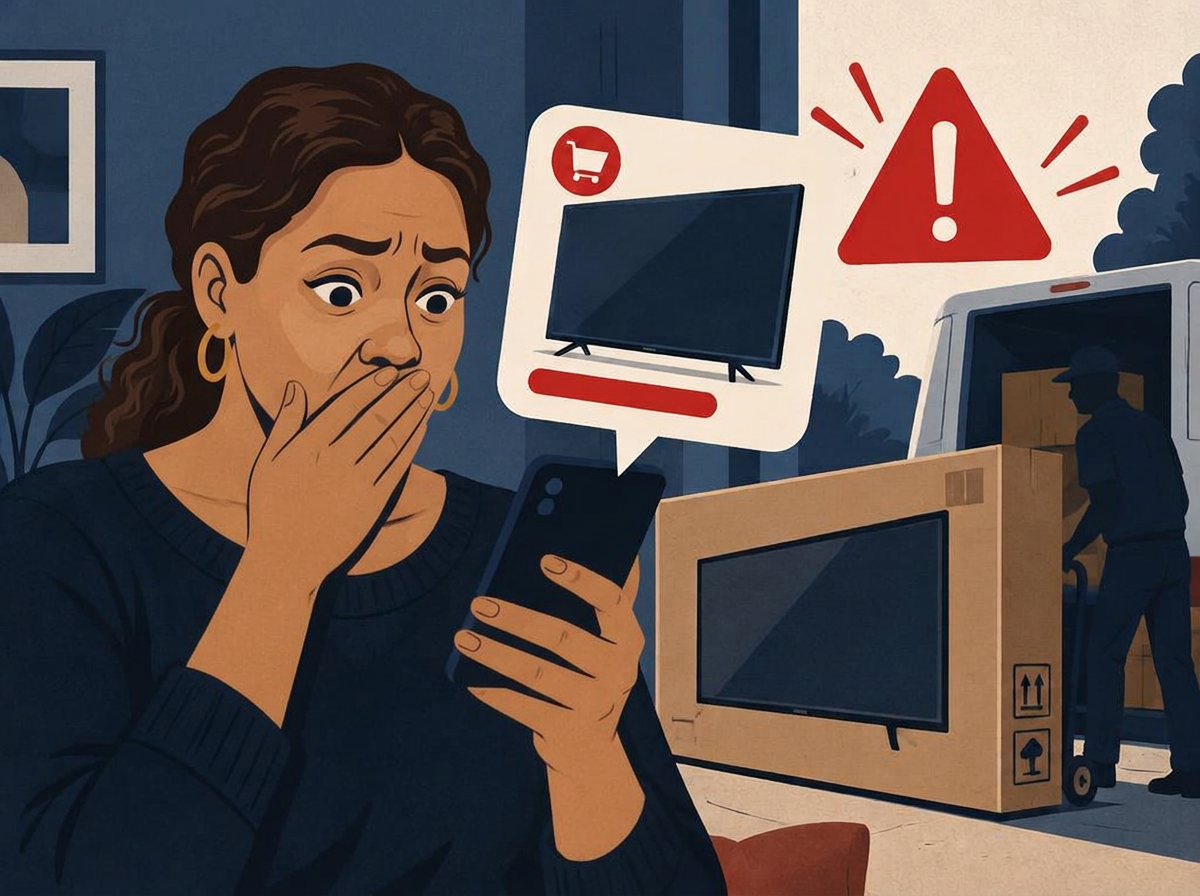
“Your order for a $1,499 TV has been placed”

  • A text, email or call says a large purchase was made on your account and gives a number to call to cancel it.
  • The panic of a big charge is designed to make you act before you think.
  • The “support agent” asks you to log in, share a code, install an app or buy gift cards to “reverse” the charge.
  • Open the real app or website yourself to check your orders. Never use the link or number in the message.

What the message looks like

Unknown number

Your order for your Samsung 75-inch Class Neo QLED 4K QN80F for $1,499 TV has been placed. Please watch for your delivery coming soon. If you were not expecting this order, please secure your account immediately at AMAZ0N.com and contact our fraud department at 1-800-344-4500

Clues hiding in this message

  • Look closely at “AMAZ0N.com” — the “O” is actually a numerical zero “0”, not a letter “O”. It is not the real Amazon site.
  • The “fraud department” number is not Amazon’s. Scammers count on you calling the number in the message instead of finding the real one yourself.
  • Real order confirmations come from your Amazon account and your registered email — not a random text with a link to “secure your account.”
  • The awkward wording (“for $1,499 TV”) and the rush to act are signs of a fake.

If you get this message

Don’t tap the link and don’t call the number in the text. Open the Amazon app yourself and check Your Orders. If there is no order, delete the message and report it as spam.

Subject 08

Family in Trouble

“Grandma, it’s me. I’m in jail and I need bail money.”

  • A caller pretends to be a grandchild, niece or nephew in an emergency, or a lawyer or officer calling for them.
  • Scammers now use AI voice cloning from short clips posted on social media.
  • They beg you not to tell anyone and ask for cash, wire transfers or gift cards.
  • Hang up and call the family member directly. Families can agree on a secret code word for emergencies.
Subject 09

Warrant for Your Arrest Scam

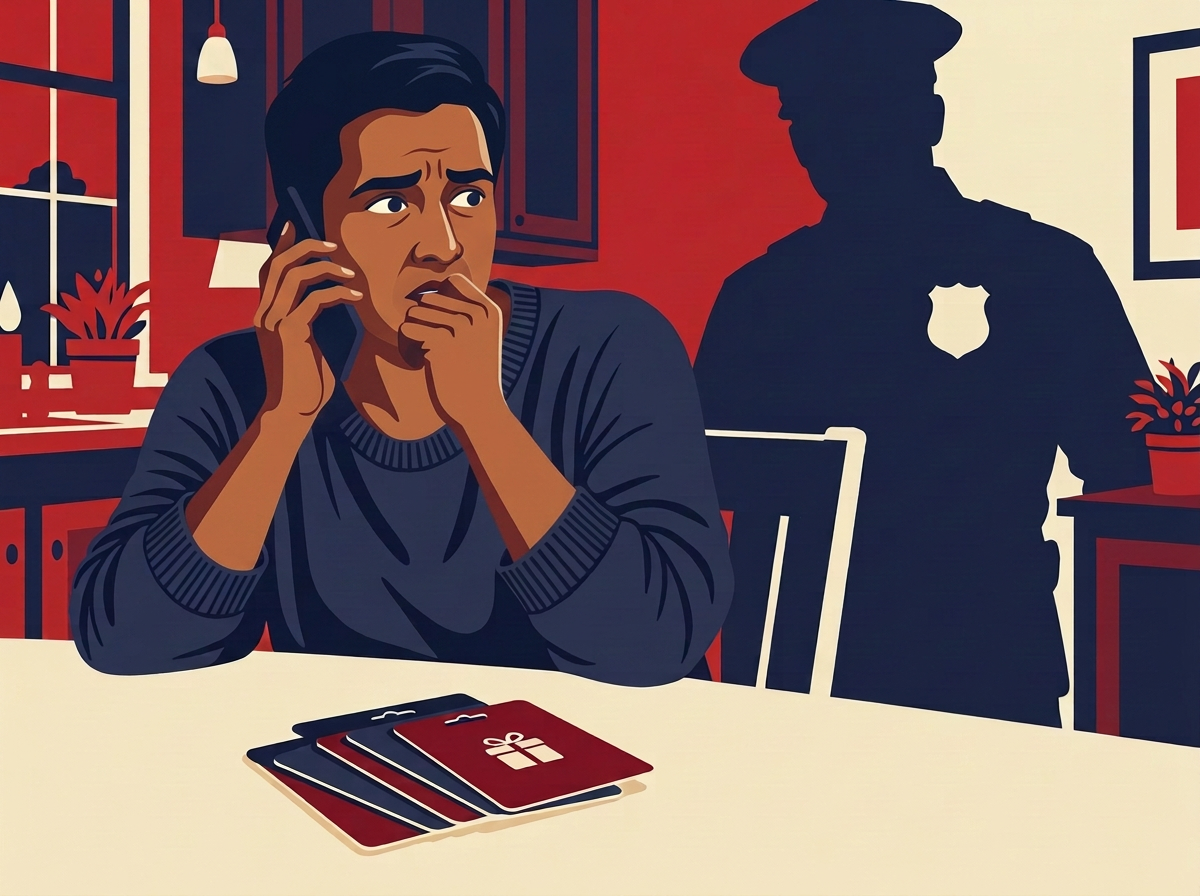
“Pay now or you will be arrested”

  • A caller says they are from the police, the sheriff’s office or the court, and that you, a friend or a family member has a warrant.
  • They say payment is needed immediately or you, or they, will be arrested.
  • Scammers can fake caller ID, so the call may even look like it comes from a real police department.
  • They push you to stay on the line and not tell anyone until the payment is made.

Clues it may not be real

  • Law enforcement doesn’t usually call to warn you of a warrant and then ask for monetary payment by phone.
  • The payment is asked for in gift cards.
  • Wire transfers, payment apps or cryptocurrency are also red flags for this scam.

What to do

  • Hang up. Do not pay anything over the phone.
  • Look up the police department’s non-emergency number yourself and call to ask if there is really a warrant.
  • Report the call to your local police department.
Subject 10

No Filter

Who are we really connecting with?

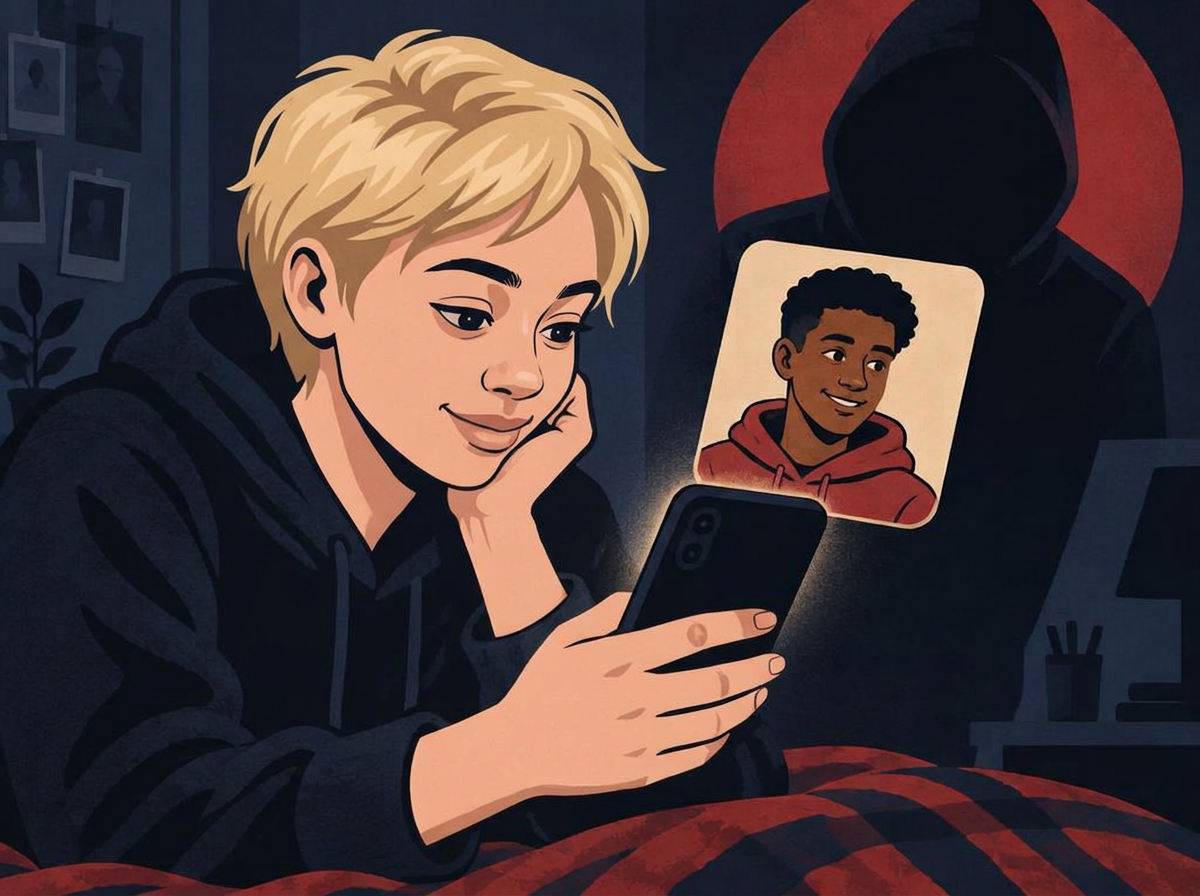
  • Accepting every friend or follow request gives strangers a direct line to you and to everyone on your list.
  • Fake accounts often have few posts, recently created profiles and many mutual “friends” who also accepted without checking.
  • Once connected, they can see your photos, check-ins and family members.
  • Filter your list: if you would not recognize them in person, remove them.
Subject 11

Are You Worth Scamming?

Is micro-scamming lucrative?

  • Many people think, “I don’t have much money, nobody would bother scamming me.”
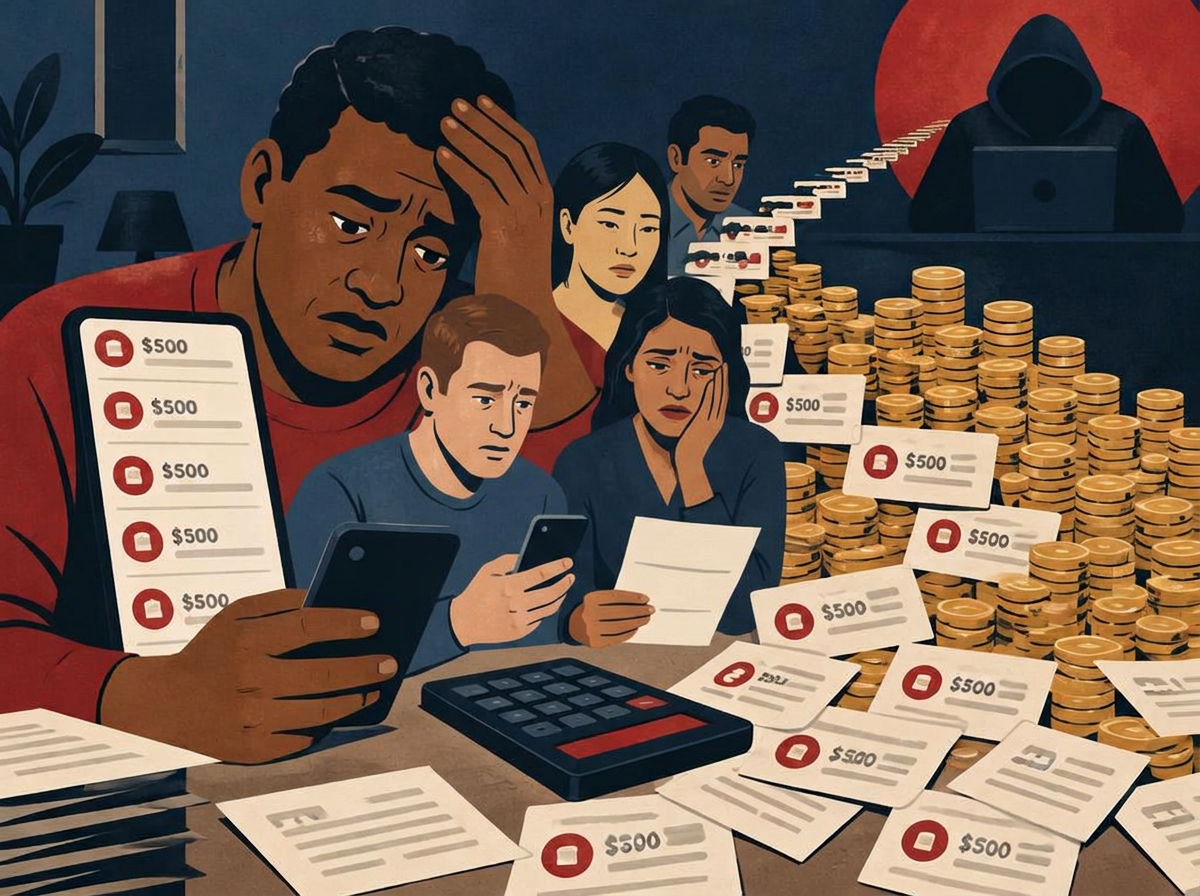
  • Scammers do not need one big payday. They send the same message to thousands of people at once.
  • Can you get rich only by scamming $500? $500 from 1,000 people is $500,000.
  • Your accounts, contacts and identity are worth money too, even if your bank balance is small.

The math of micro-scamming

Amount per victimVictimsTotal stolen
$501,000$50,000
$2001,000$200,000
$5001,000$500,000

Small scams at scale are a business. Everyone is worth scamming.

Subject 12

How We Compromise Ourselves

The four most common ways we open the door

  • Clicking on compromised links.
  • Reusing passwords.
  • Reusing compromised security recovery methods.
  • Using publicly available security information (your pet’s name, school, birthday, first car).

Lock it down

  • Use a different password for every important account, and use a password manager to remember them.
  • Turn on two-step verification, preferably with an authenticator app.
  • Update recovery email addresses and phone numbers you no longer control.
  • Give fake answers to security questions and store them in your password manager.
Subject 13

Trust But Verify

One more step to sift through frauds and scams

  • Let’s say a scam fools you and you believe it to be true. Trust, but verify.
  • If your bank, a friend or a family member contacts you about an issue that needs your immediate attention, trust that it may be a legitimate request.
  • But verify it using a different way than the one the original message came in.

How to verify

  1. 1. Don’t use their link

    If they emailed you, do not click any links. Find their contact information on your own and contact them to see if they actually reached out to you.

  2. 2. Leave Messenger

    If someone you trust messages you on Facebook Messenger needing money, or sends an out-of-character message, leave Messenger and call or text them. Ask if they sent it.

  3. 3. Secure the account

    If they did not send it, change the password, check the account settings to make sure the hacker did not change the contact email to their own, and block the suspect account.

  4. 4. Warn others

    Let friends and family know what happened so they don’t fall for the same message.

A real person won’t mind

Your bank, friend or family member will not be upset that you checked. A scammer will push you not to.

Need help now? Call or text 988